One catalog, one look
On a Shopify collection page, every product's main image sits in a grid next to the others. That grid is where a catalog shot over several seasons, by different photographers and on different models, stops looking like one brand. Shoppers see the mismatch before they open a single product.
Shopify's help center starts with shape: when product images sit side by side on a collection page, images of different shapes display at different sizes. Its advice is to use "a consistent aspect ratio, or height-to-width ratio, for all the images that you add as your featured, or main, images."
The ratio is only the start. For a grid that reads as one brand, keep these the same on every product:
- Aspect ratio: one shape for every featured image, and ideally for the whole gallery.
- Model: the same face and build across products, matched to your buyer.
- Crop: the frame cuts the body in the same place, full length or knee-up.
- Background and light: one studio color for covers, one family of settings for lifestyle frames.
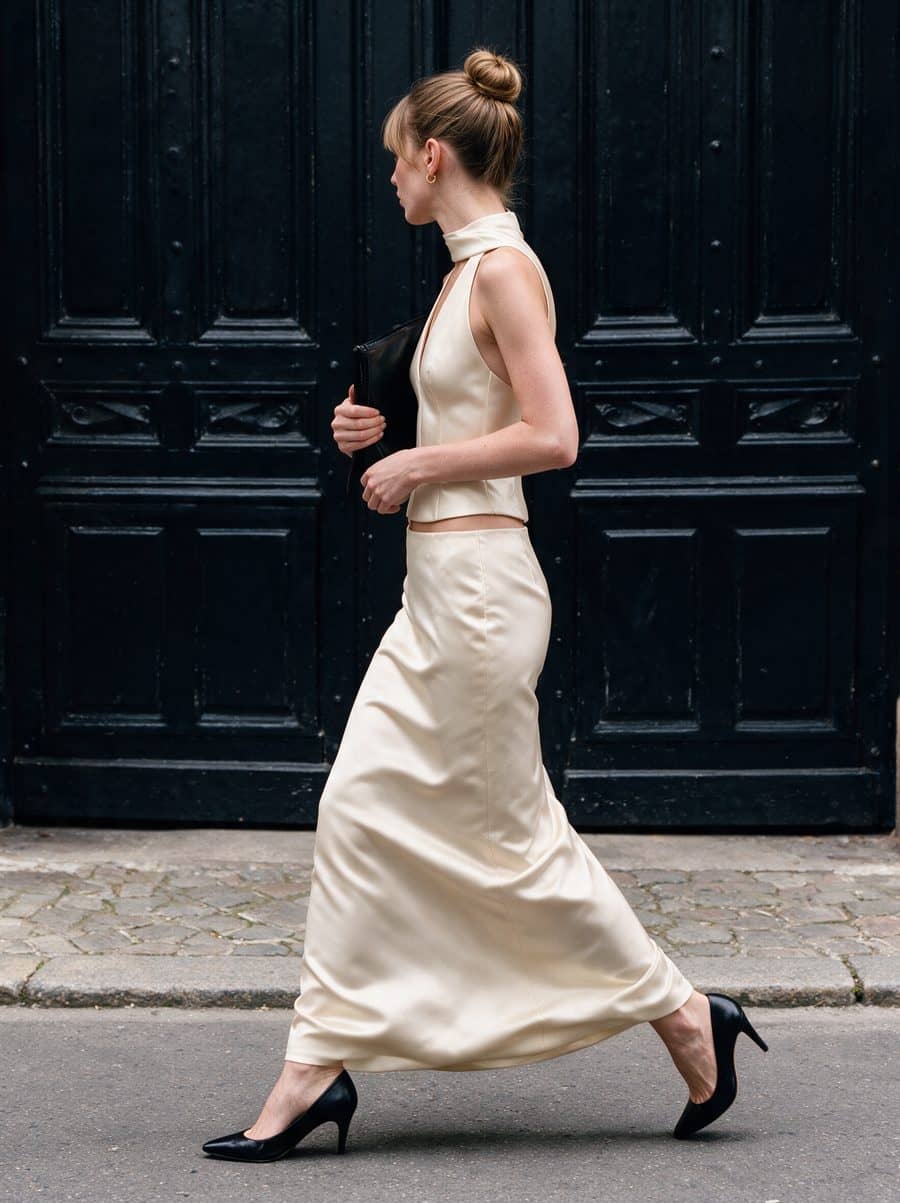
On a retainer, each Sellora brand gets its own model, cast around its buyer's gender, age, body type and mood and kept the same across the whole catalog. Every product you add later lands in the grid looking like it came from the same shoot.
Shopify's image size recommendations
| Spec | What Shopify says |
|---|---|
| Recommended size | 2048 × 2048 px "usually displays best" for square product images |
| Maximum size | 5000 × 5000 px or 25 megapixels, with files smaller than 20 MB |
| File types | PNG is the best file type for most product images, followed by JPEG; WebP, HEIC, GIF and others are also accepted |
| Media per product | Up to 250 images, 3D models or videos |
| Variant images | One assigned image for each variant |
| Alt text | Up to 512 characters; 125 or fewer recommended |
The 2048 × 2048 figure is Shopify's example for square images. For full-length on-model photos, a portrait ratio wastes less space, because a standing model fills a tall frame better than a square one. Either works, as long as you choose once and use it everywhere. Tell us the ratio your theme uses and we deliver the set in it. More on sizes and ratios in our guide to Shopify product image size.
How an on-model set fits a Shopify product page
Shopify treats the first media item as the product's featured image, and shows it on collection pages, the cart, the checkout page and your home page. The rest of the set fills the gallery in the order you drag it into.
| Where on Shopify | Frame from the set |
|---|---|
| Featured image: collection grid, cart, checkout, home page | Cover |
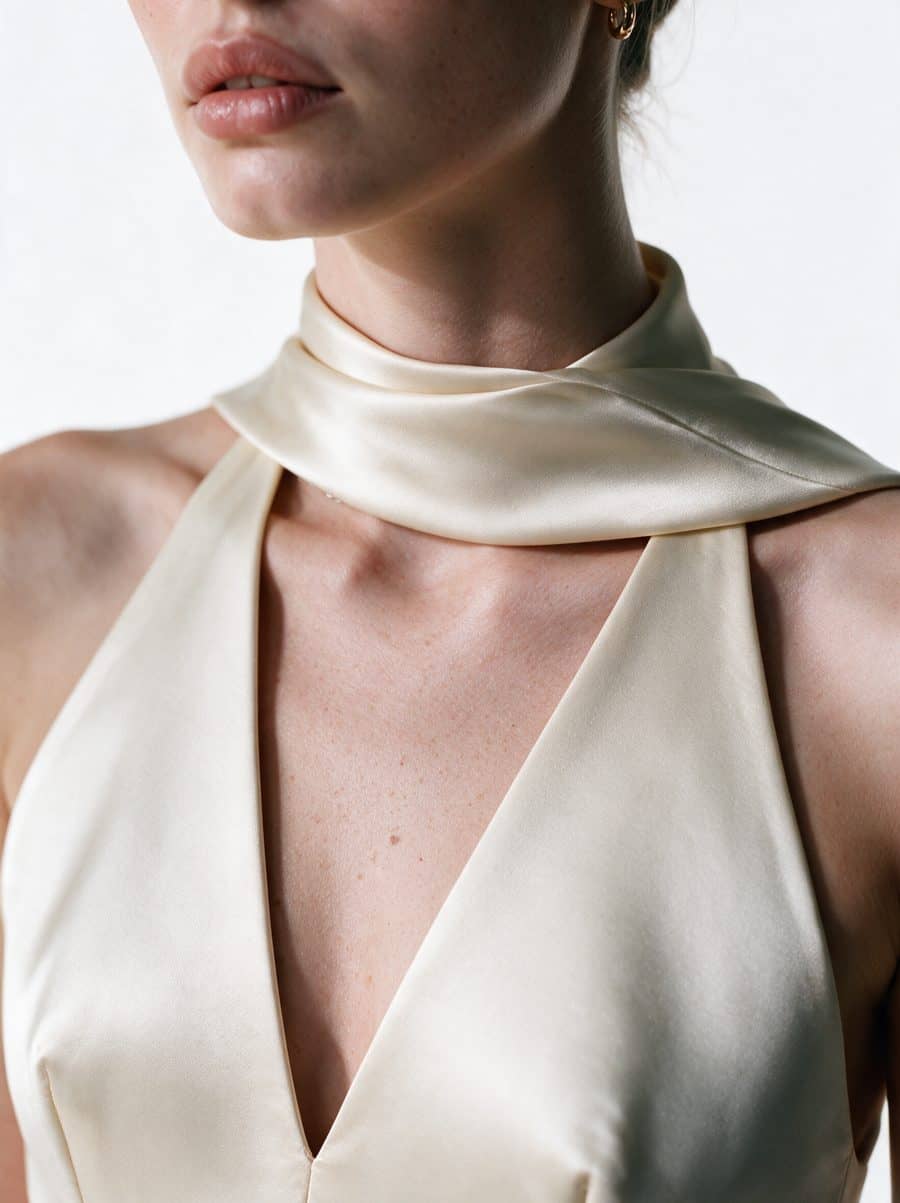
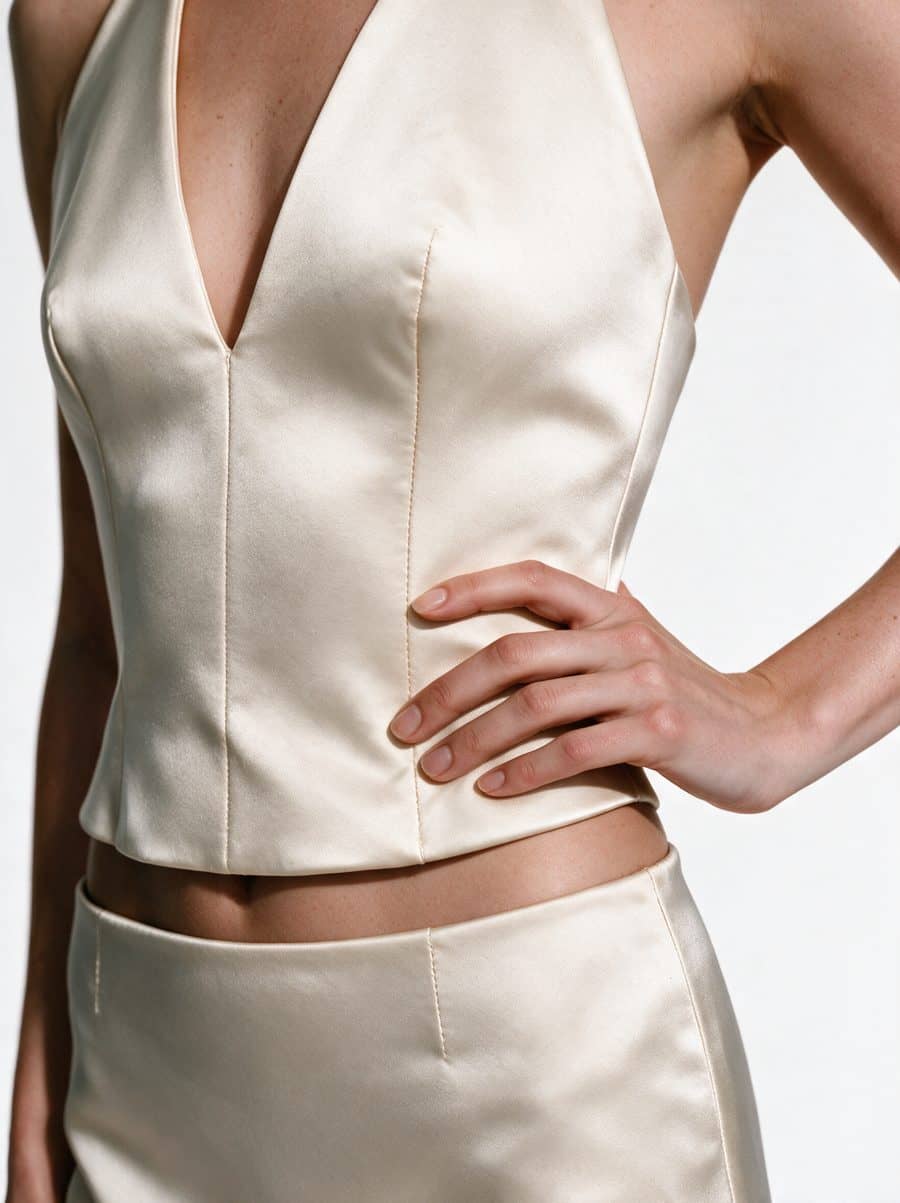
| Product gallery, in order | Full length, back, movement, lifestyle, two details |
| Variant image for each color | That color's cover |
| Ads, email and social posts | Lifestyle and movement frames, in social formats |
Variants and colorways. Shopify lets you assign only one image to each variant. To show more for a color, its variant images guide suggests adding all of that color's images to the gallery, arranging them together, and assigning one of them to the variant. Stores on Plus and enterprise plans can also use the Combined Listings app. You don't need a photoshoot per colorway for this: send photos of one, and we produce the others on the same model, in the same pose and light. When a shopper switches from black to sand, only the color changes.
Alt text. Describe the garment, the color and the view, such as "Sand belted cropped trench, back view on model". It helps shoppers using screen readers, and Shopify notes it can help your store's SEO.
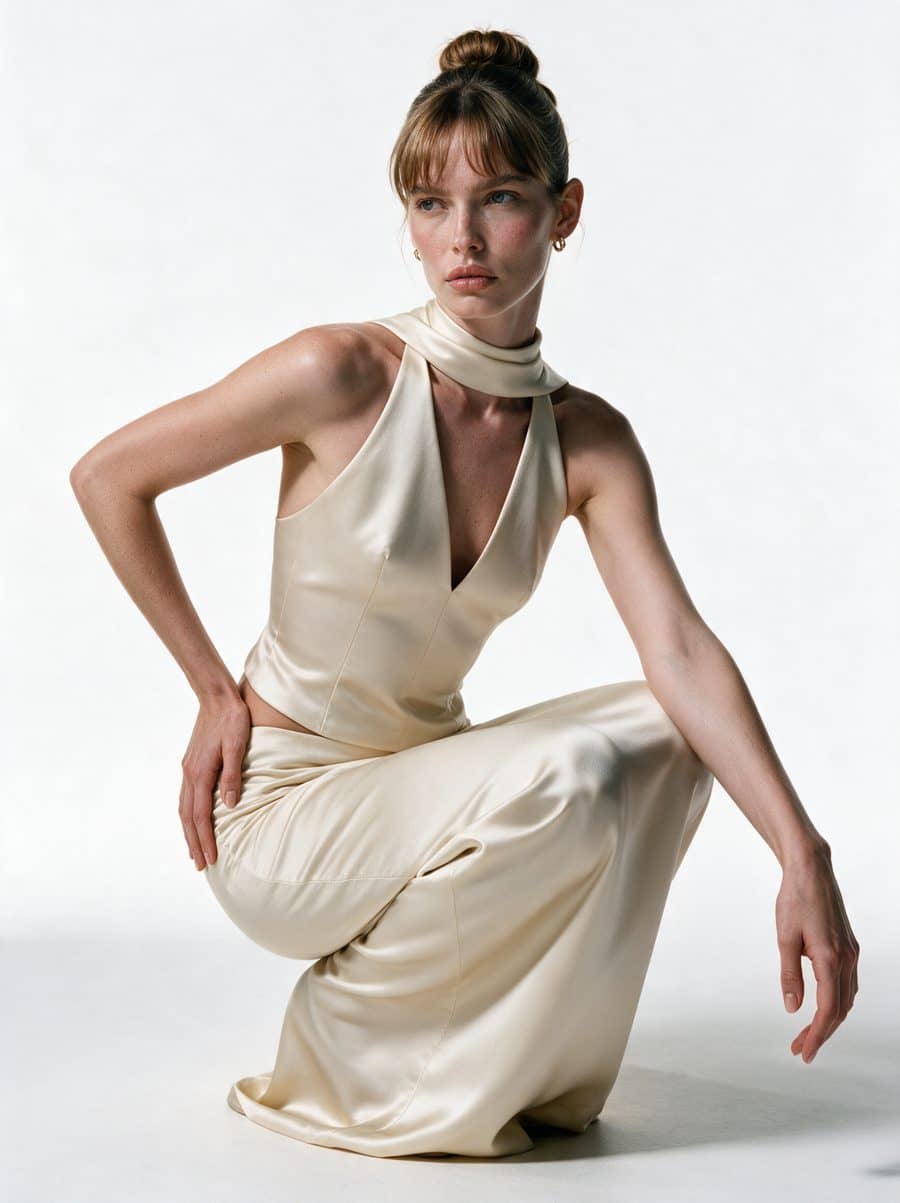
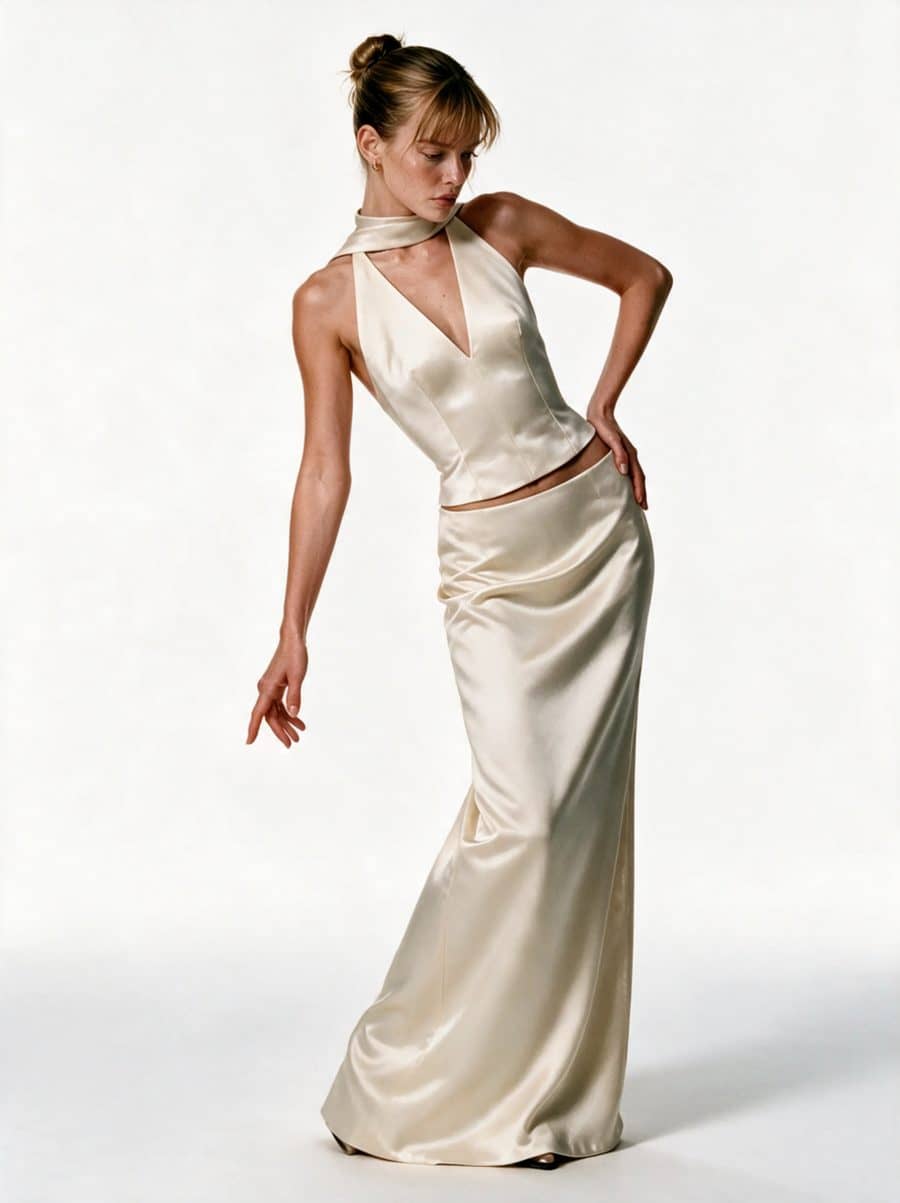
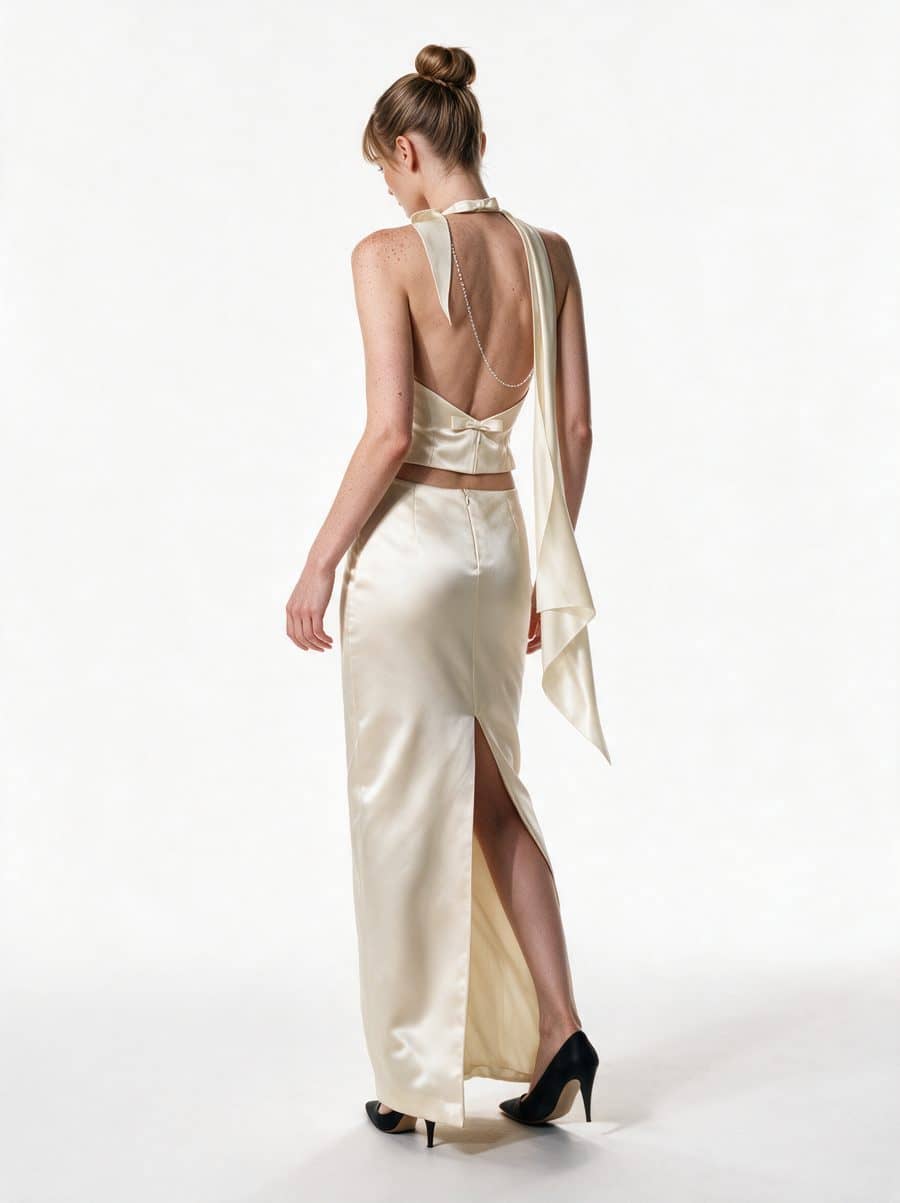
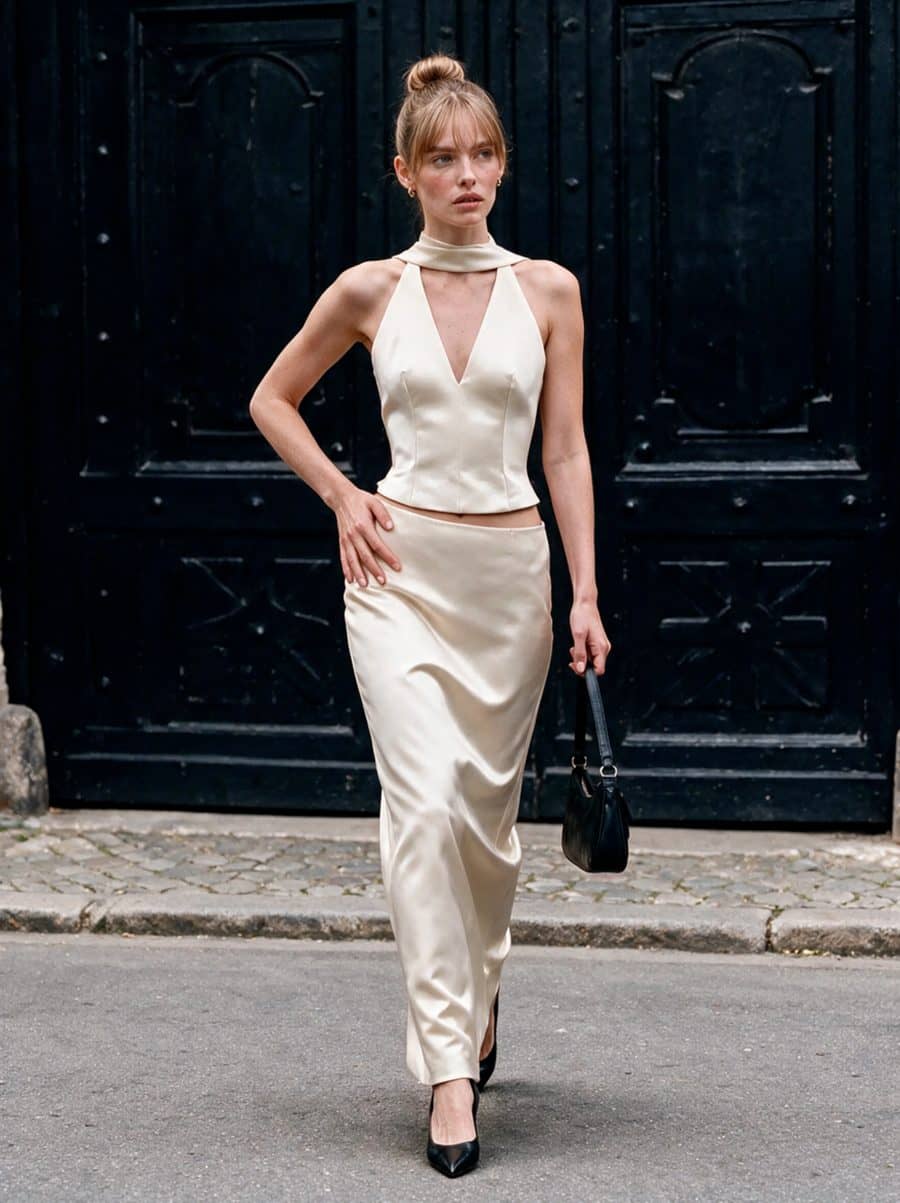
A five-minute audit of your collection page
Open your busiest collection on a phone and scroll through it once. Then check:
- Shapes. Every main image has the same aspect ratio, and the grid doesn't jump.
- Faces. One model, or a small set of them, appears across the scroll.
- Crops. Covers are cut in the same place: all full length, or all at the knee.
- Backgrounds. "White" is one white, not several.
- Colors. Every color variant shows its own color, not a sister product's photo.
- Alt text. Each image describes the product, not just its file name.
A failed check is visible across the whole collection, not just on one product page. That makes the collection page the place where a consistent set pays off first.
What it costs, and what we need
Sellora costs from $95 per studio image, with no minimum order. Every set includes a person's check against our acceptance checklist, two free revision rounds and, once you've paid in full, an exclusive, perpetual license. Every project is quoted individually, and your proposal shows the total. Most brands start with a pilot of 5 products × 7 images, credited in full to a monthly retainer for 10, 15 or 25 new products a month.
What we need is short: the photos you already have (flat lays, ghost mannequin shots, packshots or clear phone photos, ideally 2,000 px or more), your size chart and 1–3 reference images of the look you want. Nothing is shipped. A person checks every frame against your garment for fit and length, drape, color, print and logo, construction, and hands, pose and skin, and the first batch is ready within 10 business days. The service as a whole is described on on-model clothing photography.
In-house, studio or done for you
There are three routes to new product photos: shooting in-house, booking a studio for each drop, or sending existing photos out for on-model sets. In-house gives you control and costs time and gear; a studio gives you real models and costs a shoot day per collection. A done-for-you AI set costs you the least time, for catalog images and campaign images alike. The full comparison is in in-house vs outsourced product photography, and current market prices are in product photography pricing.
One more thing worth knowing: Amazon's product image guide notes that "some jurisdictions may require disclosure when product images contain photorealistic AI-generated people." Amazon wrote it for its own marketplace, but if you sell into places with such rules, they may apply to your store as well. Check before you launch AI model photos there.
Planning your next drop on Shopify? Send us a brief with a link to your collection page, or book a call, and we'll show you what one product's set would add to it.