The short answer
For catalog photos, AI models are faster to work with than real models: there's no booking and no samples to ship, and the same face can stay with your whole catalog. The trade-off is accuracy: a camera records your garment, while an AI image re-creates it, so fit, length, color and print can drift. Use AI when a person checks every frame against the real product, and book a live shoot for campaigns, video and pieces where every detail has to be exact.
What changes when the model is AI
With a real model, the camera records the garment as it is. Mistakes come from styling, lighting or retouching, and the cost is mostly logistics: model fees, a studio, hair and makeup, a stylist and usage rights.
With an AI model, the garment itself is generated from your product photo. That removes the booking but adds a new kind of error: an image can look completely convincing and still be wrong about your product.
| Real model | AI model | |
|---|---|---|
| What you need | Samples, a studio, a model, a stylist | Product photos, a size chart, reference images |
| Garment accuracy | What the camera sees | Generated, so it must be checked |
| Same model across the catalog | Depends on the model's availability | Built in, if the provider keeps one model per brand |
| Lead time | Booking, shipping, the shoot, retouching | Seconds with a self-serve tool; within days with Sellora |
| Video and real movement | Yes | Some tools make short clips; Sellora doesn't make video |
| Usage rights | Can be time-limited for model images | Depends on the provider; Sellora gives an exclusive, perpetual license once the order is paid in full |
The 8 checkpoints where AI goes wrong
These are the places to look on every AI-generated clothing image, whoever made it. For each one: what goes wrong, how to catch it, and how it gets fixed.
1. Fit
- What goes wrong: the AI fits the garment the way it expects clothes to fit. An oversized blazer comes out tailored, a relaxed shirt gets shaped at the waist, a boxy tee clings. A flat lay carries no fit information at all.
- How to catch it: compare the silhouette with your size chart and with any photo of the piece being worn. Check where the shoulder seam sits and how much ease there is at the chest, waist and hips.
- How it's fixed: brief the fit explicitly (the size chart, the size the model wears, a reference photo of the intended fit) and regenerate. Small misses, like a shoulder seam in the wrong place, can be retouched.
2. Drape
- What goes wrong: fabric loses its weight. Heavy wool hangs like jersey, satin turns matte, stiff denim folds like silk.
- How to catch it: look at the folds. Heavy fabrics make a few deep folds and light ones many fine folds, and satin should catch light along every fold.
- How it's fixed: name the fabric and its weight in the brief, use a source photo where the fabric hangs naturally (a ghost mannequin or hanger shot helps), and regenerate frames that look wrong.
3. Length
- What goes wrong: hems and sleeves drift. A midi skirt becomes a maxi, a cropped jacket grows, sleeves swallow the hands.
- How to catch it: decide in advance where the hem should land on the body (knee, mid-calf, ankle) from the size chart's length and the model's height, then check every frame of the set, not only the cover.
- How it's fixed: state lengths as body landmarks in the brief, and retouch or regenerate any frame that misses.
4. Texture
- What goes wrong: surfaces get smoothed. Rib knits flatten, bouclé looks printed, linen loses its slub, and fabric takes on a plastic sheen.
- How to catch it: zoom to 100% on the detail frames and compare them with a close-up from your source photos.
- How it's fixed: start from a sharp source (2,000 px or larger is ideal), include a close-up, and restore texture from the source in the detail frames.
5. Color
- What goes wrong: color shifts under generated light. Navy goes black, ecru goes white, and bright colors lose saturation or drift in hue.
- How to catch it: put the AI image next to the source photo on the same screen. For an exact check, sample the color in an image editor.
- How it's fixed: color-correct each frame to the source or an approved swatch. For multiple colorways, check every one, not just the first.
6. Print and logo
- What goes wrong: the AI redraws prints instead of copying them. The repeat changes scale, stripes stop lining up, symmetry breaks, and logos lose or swap letters.
- How to catch it: count the repeats between two fixed points, collar to hem for example, and compare with the source. Read every letter of every logo.
- How it's fixed: bring the real print or logo back from the source photo, or regenerate. Never ship a logo that has been approximately redrawn.
7. Hands and pose
- What goes wrong: extra or merged fingers, hands melting into pockets, impossible joints, and poses that hide the product, like an arm across a print or a hand over a logo.
- How to catch it: count fingers, check every joint, and ask whether the pose shows what you're selling. Amazon's clothing style guide makes the same point about model poses: avoid covering sellable features.
- How it's fixed: regenerate the pose or retouch the hands, and choose poses that keep the garment visible.
8. Skin
- What goes wrong: skin that looks waxy or too smooth, a tone that changes between frames of one set, and odd edges where skin meets a neckline or hem.
- How to catch it: look at the neck, the hands and every edge where skin meets fabric, then compare skin tone across all frames of the set.
- How it's fixed: retouch texture and edges, and keep one model per brand so the face and skin tone stay the same across the catalog.
When a live shoot is better
- Campaigns with real people. A brand story, an ambassador or a recognizable face needs a real person in front of a camera.
- Video and real movement. Some AI tools generate short clips, but Sellora doesn't make video at all.
- Where AI is weak. Reflective fine jewelry, complex layered outfits where garments interact, and extreme close-ups of fine lace are still safer in front of a camera.
- Exact technical reproduction. If buyers will judge a piece on millimeters, raise it at the briefing and consider a live shoot.
- No usable source photo. AI needs a clear photo of the product. A sharp phone photo can be enough, as long as the fabric, color and details are clearly visible; if you don't have even that, you need a shoot of some kind.
What we check, and what happens if an image fails
At Sellora, a person checks every image against your garment before you see it, using our acceptance checklist: the eight checkpoints above, plus construction (seams, buttons, zippers, pockets, closures) and the marketplace main-image rules. If an image fails the checklist, we remake it for free, and if we can't get it right, we refund that image. For style changes, you get two free revision rounds within 10 days of delivery. The first batch is ready within 10 business days.
We also tell you before quoting if a piece falls where AI is weak, so you can shoot it live instead. Here is one checked set, exactly as delivered:
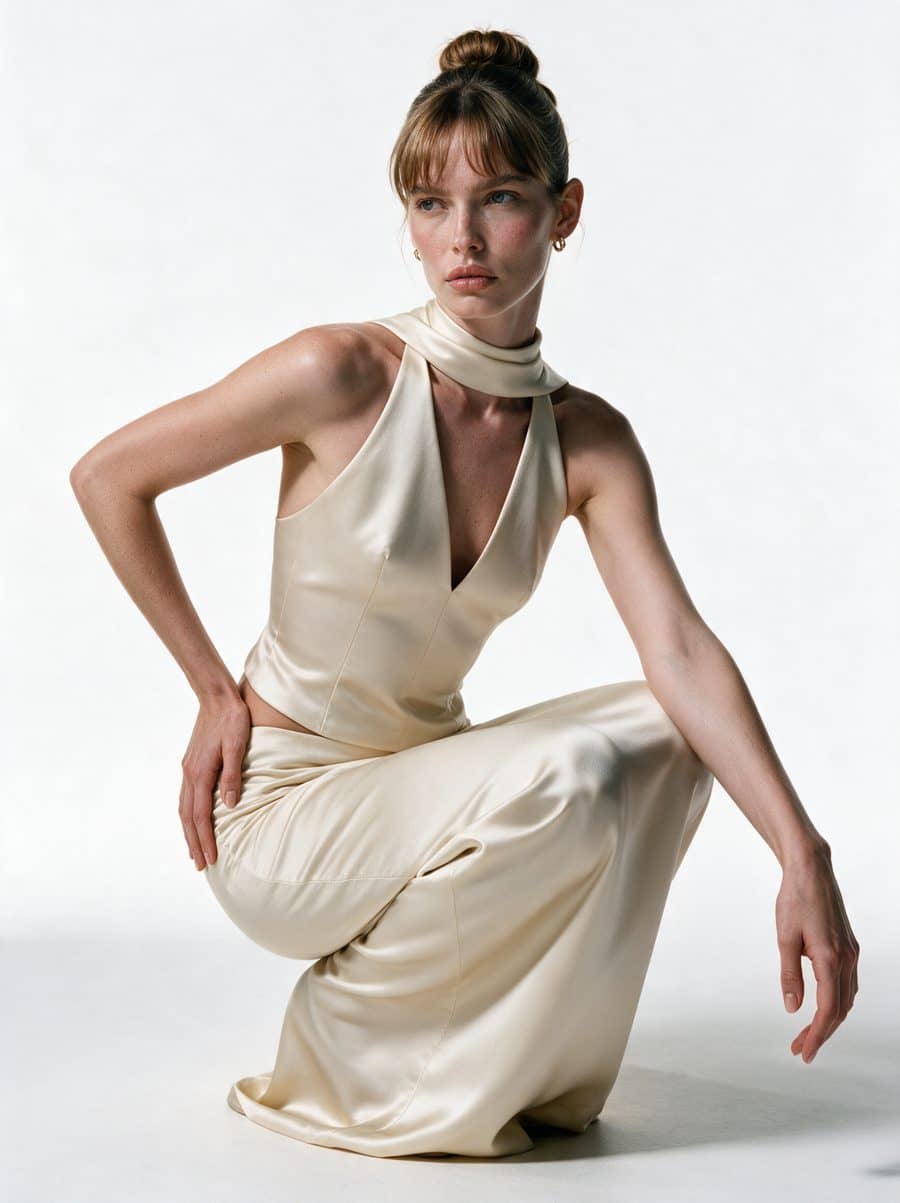
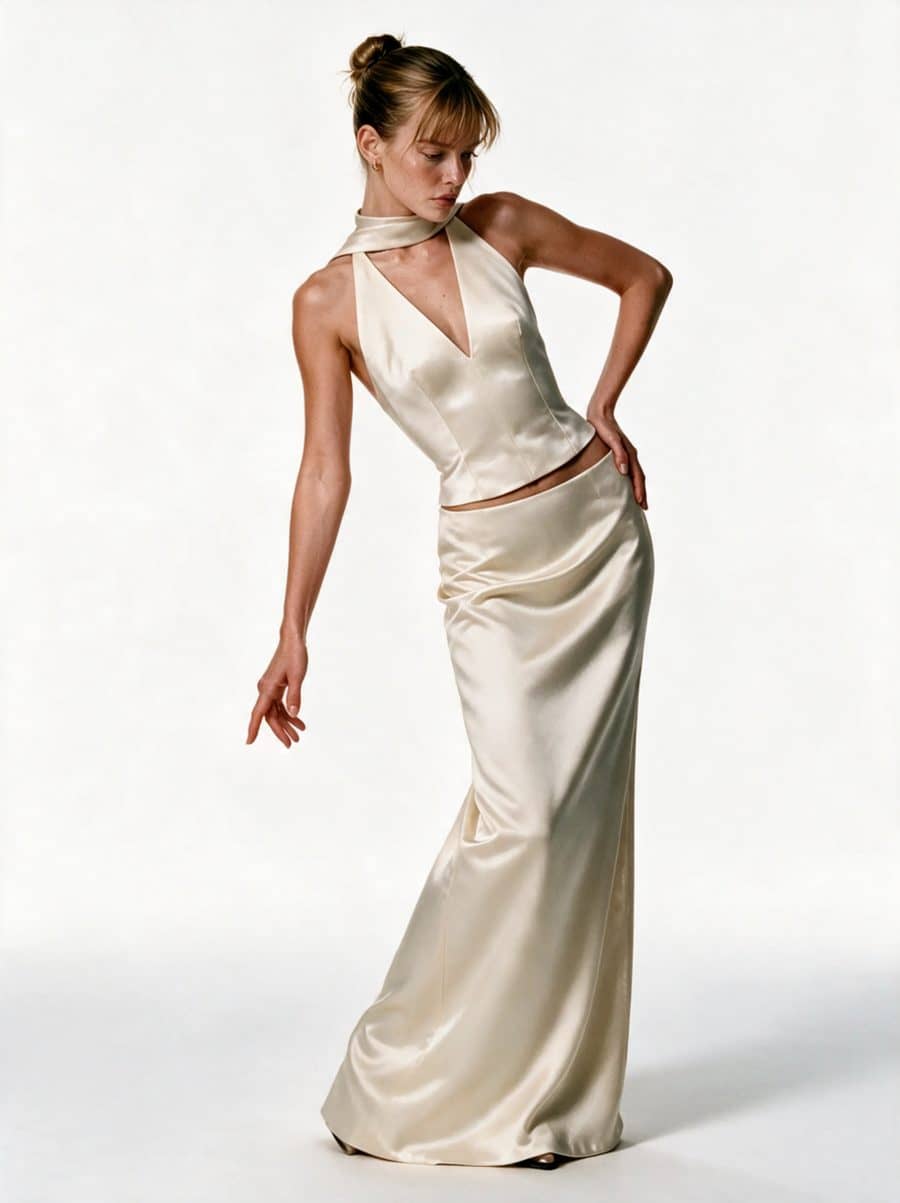
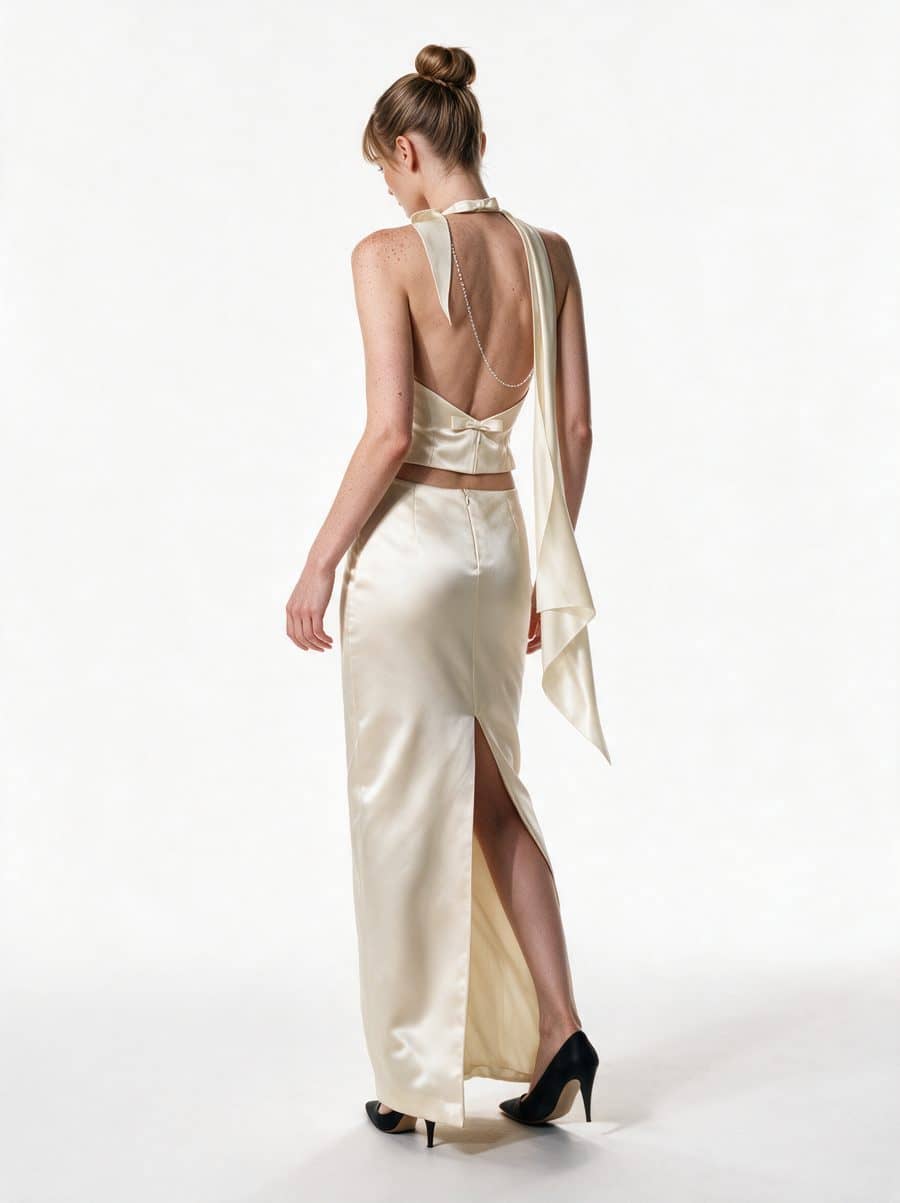
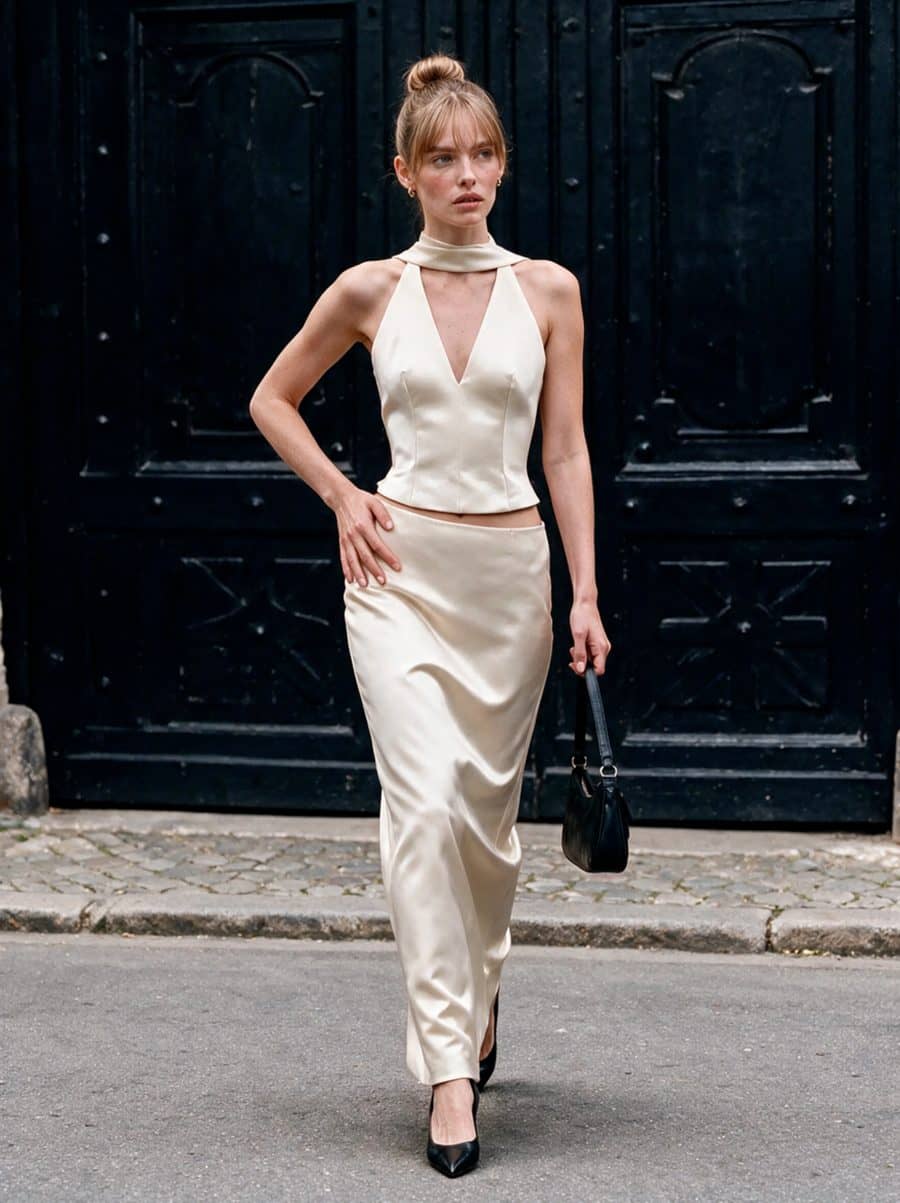
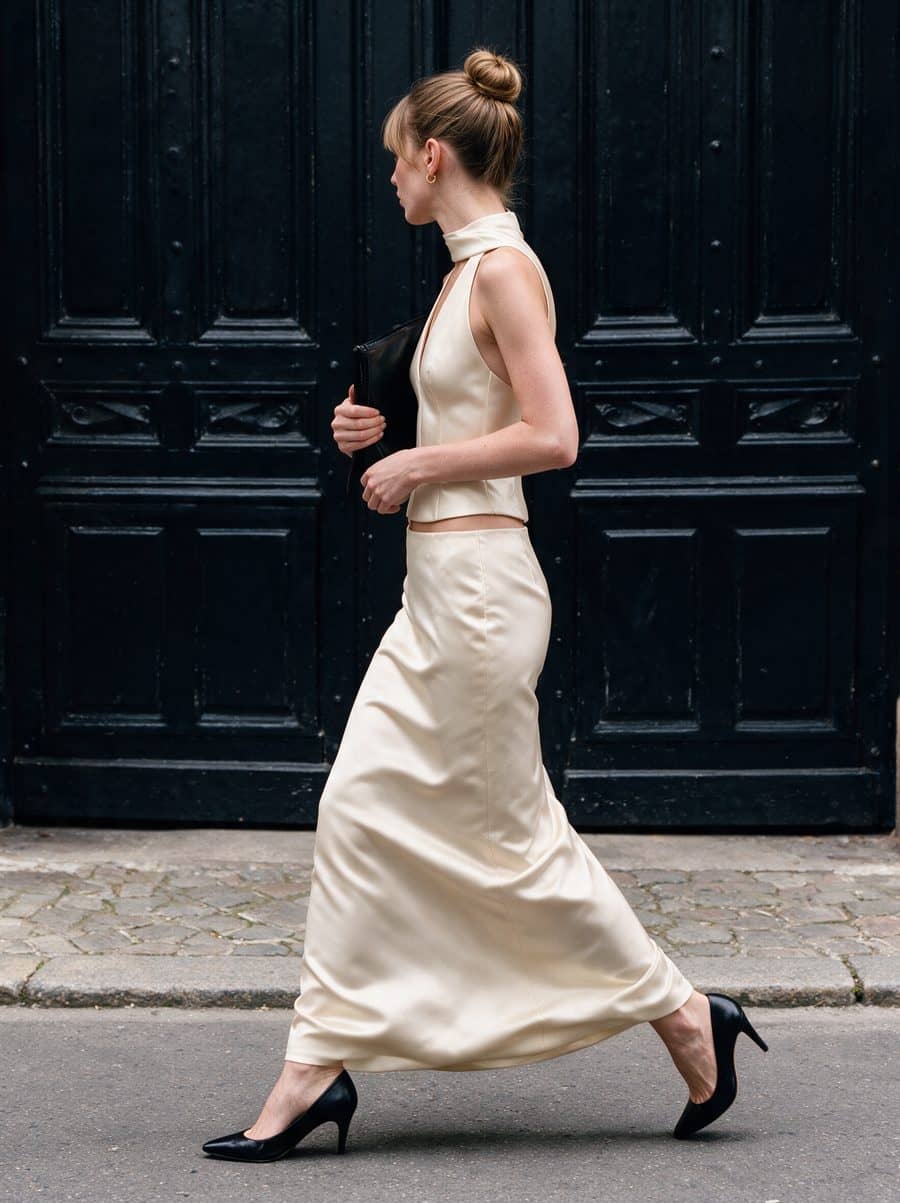
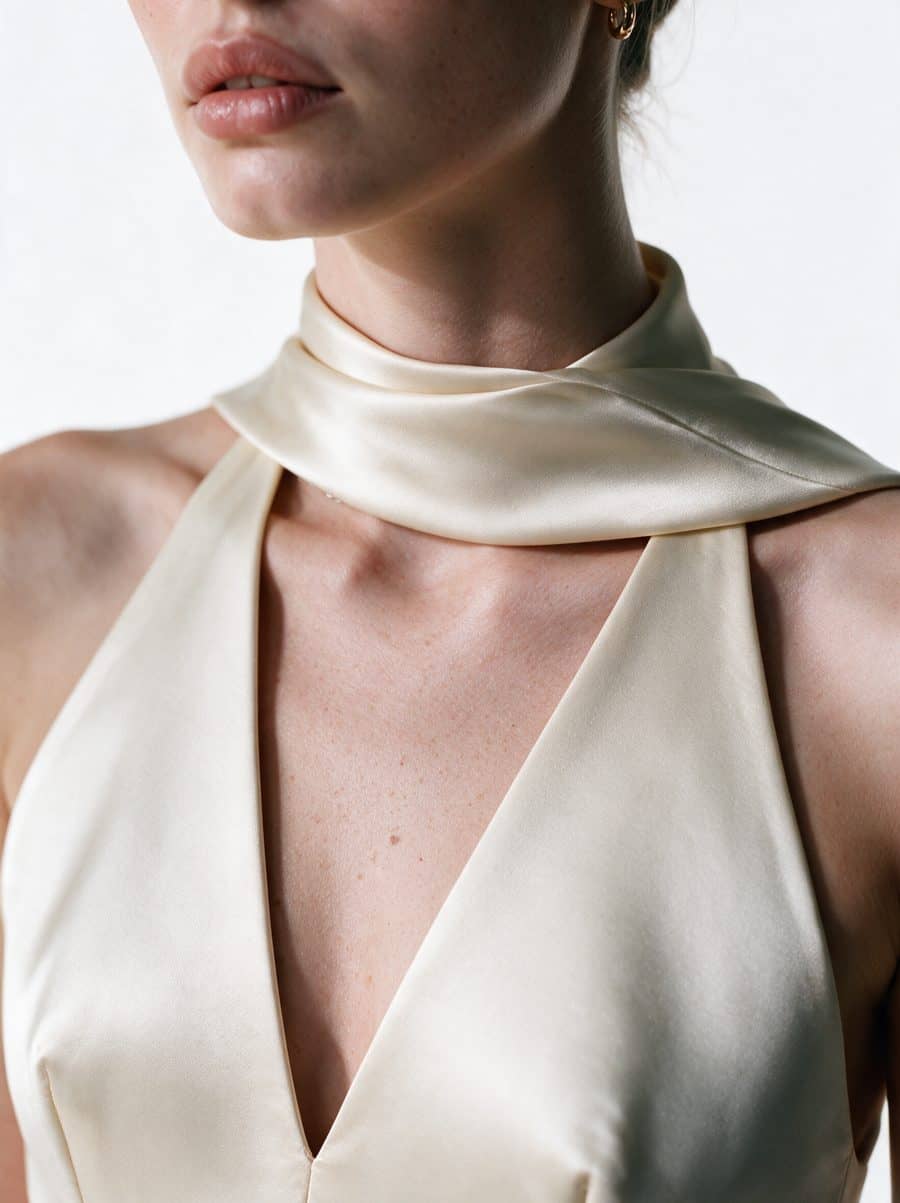
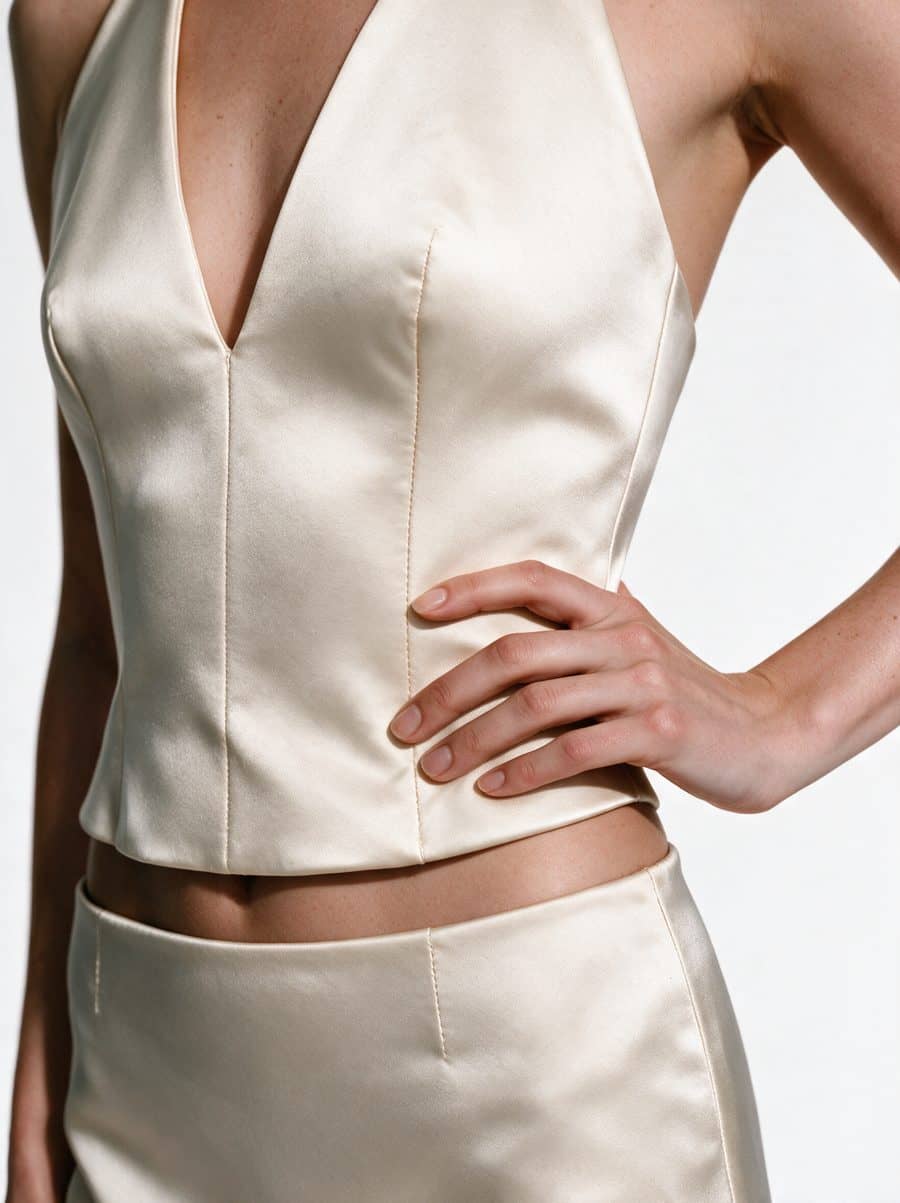
Studio images on a model start from $95 each. See on-model clothing photography for how a photoshoot works, and inside a 7-image photoshoot for what each frame is for.
Bring one product an AI tool got wrong. On a call we'll go through which checkpoints failed and what a checked photoshoot of it would include.