Etsy's photo rules come first
Before choosing any kind of product photo for Etsy, read two of its policies. They decide where AI images can go.
Etsy's Seller Policy asks for "your own photographs or video content—not stock photos, artistic renderings, or photos used by other sellers or sites." Its listing image requirements explain why: Etsy wants "original photos of the actual product buyers will receive, not renderings or stock photos," showing "the actual finished product that you made, designed, handpicked, or sourced." There are two exceptions. Personalized items may use computer-generated mockups in additional images, as long as the first image shows a real finished item. And a design that a production partner prints onto a base item, such as a t-shirt, may be shown with a stock photo mockup.
Neither page mentions AI-generated model photos by name. Our on-model images are made from photos of your real garment, but they are not photographs of it on a person. Read literally, Etsy could treat them as renderings. Our advice, if you sell on Etsy:
- Keep real photos of the actual item in every listing, and put one first. Your own flat lay, or the piece on a hanger, does that job.
- Say what the on-model images are. A line in the description, such as "model photos are AI-generated from photos of this item", tells buyers what they are looking at. Etsy's AI disclosure rule is about items created with AI, so this goes a step further on purpose.
- If you want no policy risk at all, keep your Etsy listings to real photos and use the on-model set on your own site, on social and on other marketplaces. If in doubt, ask Etsy support before you list.
What Etsy recommends for listing photos
| What | Etsy's guidance |
|---|---|
| Photos per listing | Up to 20 photos and 2 videos of 5–15 seconds |
| Size | At least 2,000 px in width and height recommended; the first photo at least 635 px each way "to avoid showing up lower in searches" |
| First photo | Landscape or square, so the center of the image stays in cropped thumbnails; it also sets the shape for the photos after it |
| Thumbnails | Cropped to square, portrait and landscape in different places, so leave a border around the product |
| Quality | A main image that is too dark, blurry or part of a collage may appear lower in Etsy search |
| File types | JPG, GIF, PNG, SVG or HEIC; no animated GIFs or transparent PNGs |
| Color | sRGB |
The thumbnail problem with clothing
A standing model is tall and narrow, while Etsy's first photo works best landscape or square, and its thumbnails crop again from there. Etsy notes that vertical images need more cropped out. Put a full-length portrait photo first, and the crop can lose the head, the hem or both. For clothing on Etsy:
- Make the first photo landscape or square, with the garment centered and room on every side.
- Shoot wider than you think you need. Etsy's own tip is to capture the item "further back than you think you'll need", so it can be cropped without losing anything.
- Check the result with Etsy's thumbnail adjustment tool before you publish.
- Keep one shape for every photo in a listing. Etsy says the first photo "dictates the shape of the photos that follow."
Selling from flat lays and phone photos
If you make or curate clothes yourself, you probably photograph them yourself too: a flat lay on the floor, a hanger against a door, the piece on a friend. Those photos are what we work from, and because Etsy wants your real photos anyway, the ones you take for your listings do double duty.
What we need from a small shop:
- Your photos, ideally 2,000 px or more on the long side. That is the size Etsy already recommends, so photos taken for Etsy usually work.
- A size chart with garment measurements, even a simple one, and what the piece is made of.
- 1–3 reference images of the look you want, from your own feed or shops you admire.
Nothing gets mailed. For one-of-a-kind and made-to-order pieces that matters: the piece stays with you, and stays for sale, while we work. More on taking good source photos: how to photograph clothing for ecommerce and flat lay to on-model.
What you get
Every product becomes a set of seven on-model photos: a cover, full length, back, lifestyle, movement and two detail frames. They are all on one model, matched to your buyer's gender, age, body type and mood. To keep the same model for every piece you add, make her your brand model: it's included on a retainer and available as an add-on to any order. For a small shop, that consistency is hard to get any other way: there is no studio day to match next season.
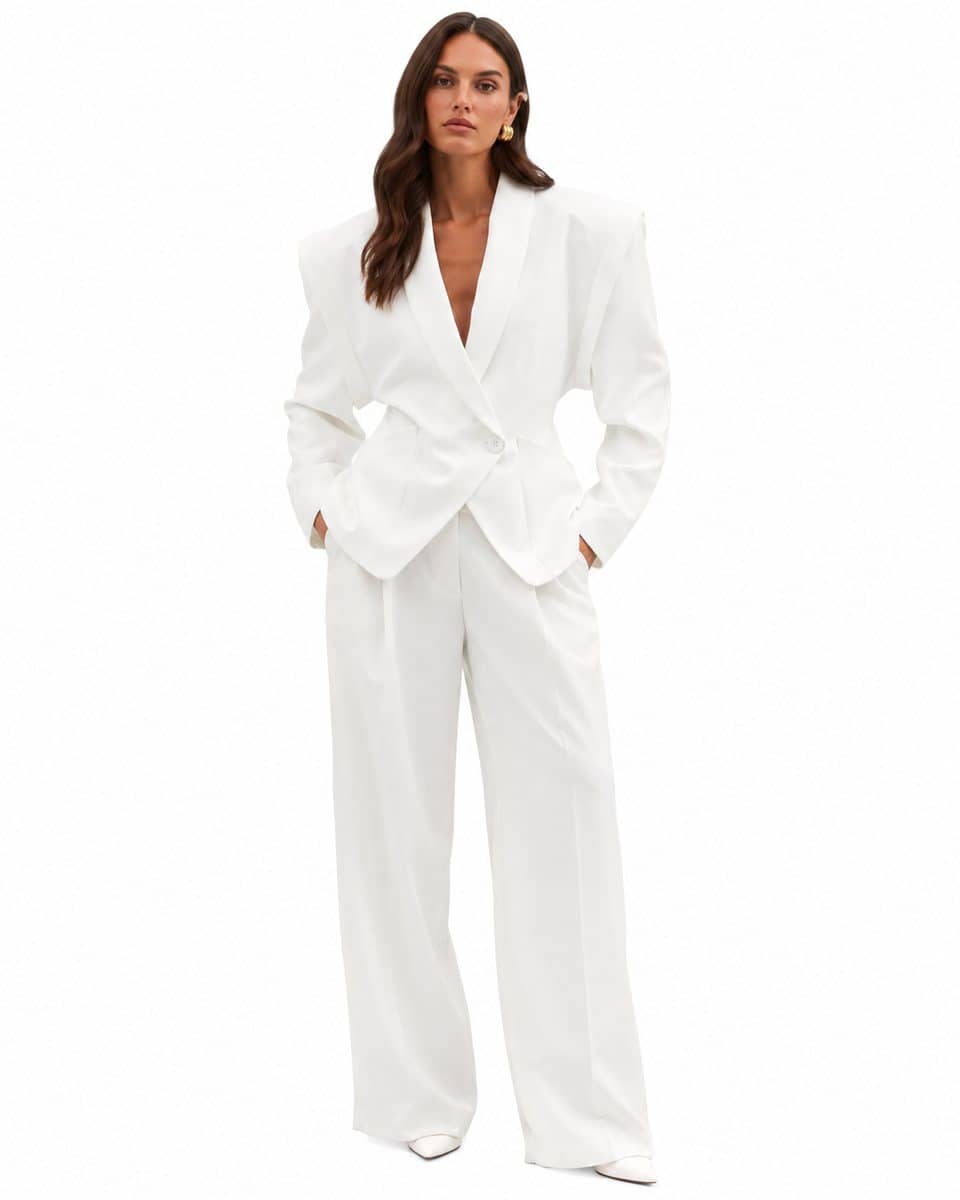
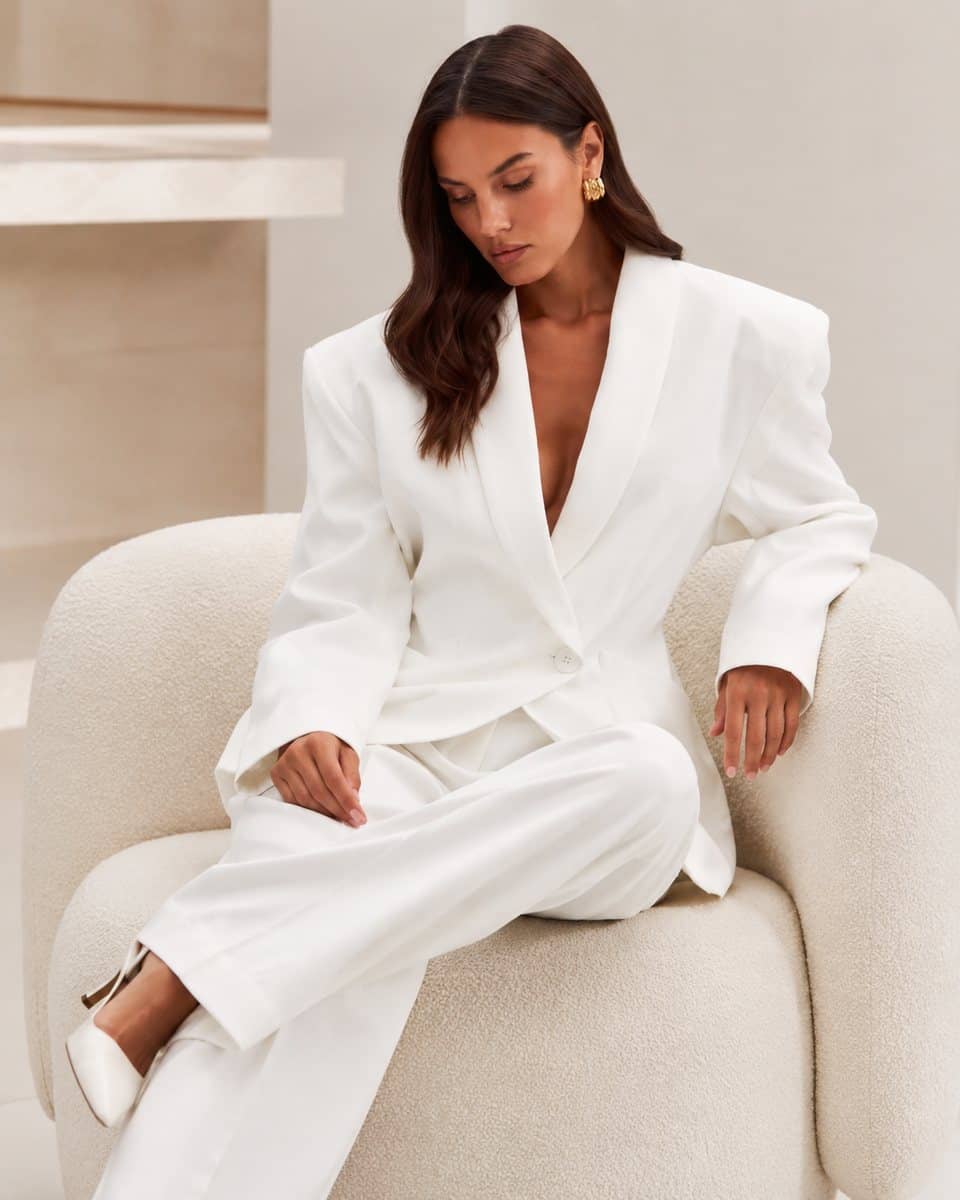
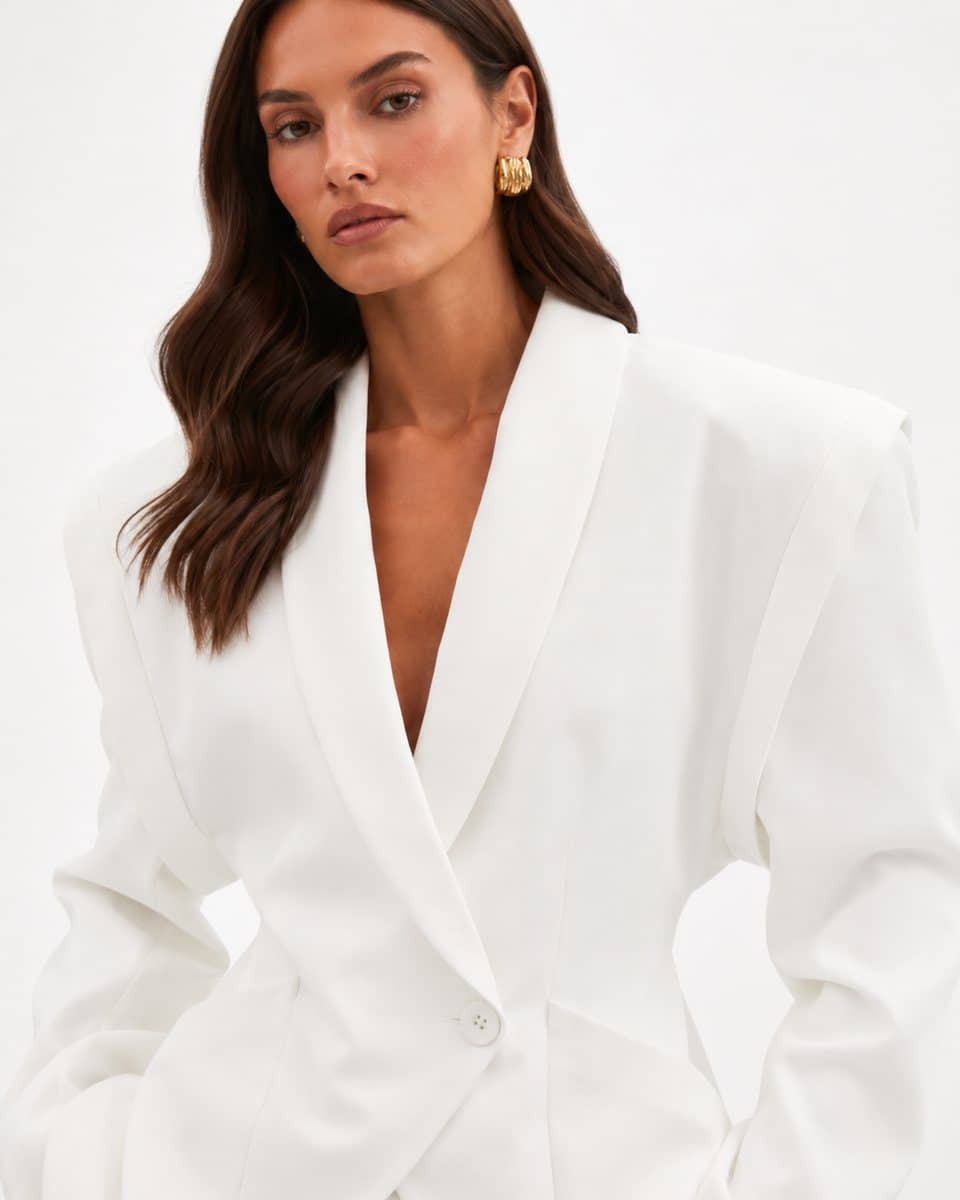
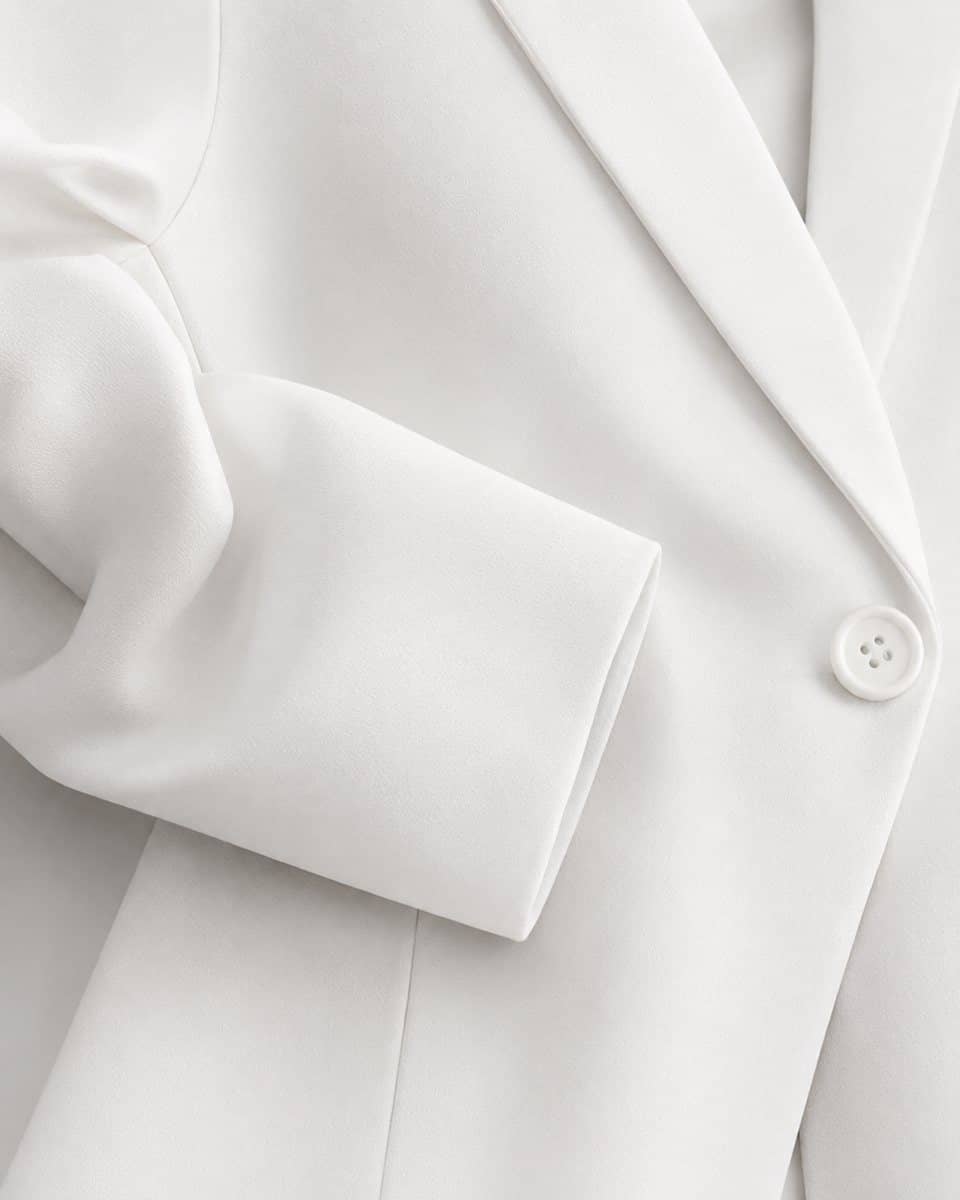
Studio images on a model start from $95 each, with no minimum order, and every project is quoted individually: your proposal shows the total. A person checks every image against your photos for fit and length, drape, color, print and logo, construction, and hands, pose and skin. The first batch is ready within 10 business days, sized for Etsy and social, with two free revision rounds and, once you've paid in full, an exclusive, perpetual license. Market prices for comparison are in how much a clothing photoshoot costs.
Honest limits for makers
- Fine detail at the edge of AI. Extreme close-ups of fine lace, highly reflective fine jewelry and complex layered outfits are weak spots. If you sell handmade lace or fine jewelry, ask us first: we tell you before we quote.
- Etsy's policy. As above, Etsy may treat AI images as renderings. Use them on Etsy with real photos first, or keep them for your own site and social.
- New photos of the item. We don't shoot products. Etsy needs real photos of your item in every listing anyway, and those work for us too: sharp phone photos on a hanger are enough, as long as the fabric, color and details are clearly visible.
Selling clothes on Etsy? Send us a brief with one of your listings, or book a call. We'll tell you what Etsy's rules allow there, and what an on-model set would add elsewhere.